ExportTexture Node
ExportTexture is a texture to a PNG image file.
Category
Export
Inputs
| Name | Type | Description |
|---|---|---|
| texture | VirtualTexture | Input texture. |
Parameters
| Name | Type | Description |
|---|---|---|
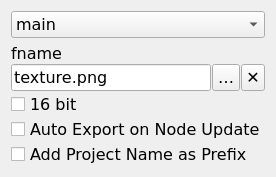
| 16 bit | Bool | Decides whether the output is an 8 bit or a 16 bit PNG file. |
| Auto Export on Node Update | Bool | Controls whether the output file is automatically written when the node is updated. Default is false. When set to true, the file is saved automatically on updates. If false, use the 'Force Reload' button on the node to manually trigger the export. |
| Flip-X | Bool | No description |
| Flip-Y | Bool | No description |
| fname | Filename | Export file name. |
| Filename Pattern | String | No description |
Example
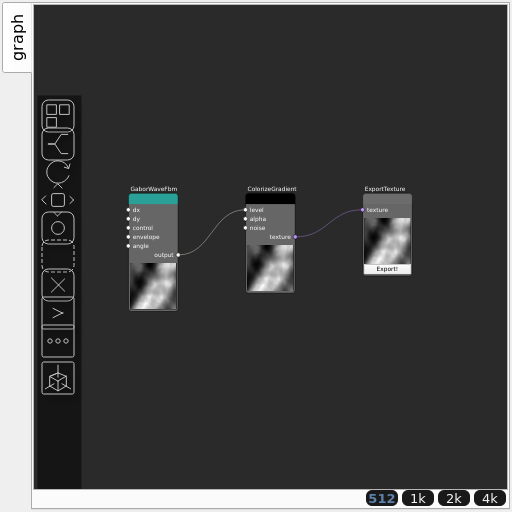
Corresponding Hesiod file: ExportTexture.hsd. Use [Ctrl+I] in the node editor to import a hsd file within your current project.
Note
Example files are kept up-to-date with the latest version of Hesiod. If you find an error, please open an issue.