MixTexture Node
MixTexture enables the seamless integration of multiple textures by utilizing the alpha channel information to control the blending.
Category
Texture
Inputs
| Name | Type | Description |
|---|---|---|
| texture1 | VirtualTexture | Input texture. |
| texture2 | VirtualTexture | Input texture. |
| texture3 | VirtualTexture | Input texture. |
| texture4 | VirtualTexture | Input texture. |
Outputs
| Name | Type | Description |
|---|---|---|
| texture | VirtualTexture | Output texture. |
Parameters
| Name | Type | Description |
|---|---|---|
| mix_method | Enumeration | No description |
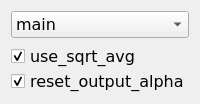
| reset_output_alpha | Bool | Reset the output alpha channel to 1 (opaque). |
Example
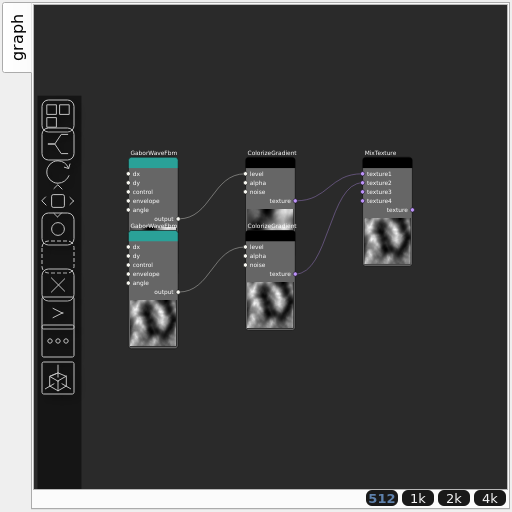
Corresponding Hesiod file: MixTexture.hsd. Use [Ctrl+I] in the node editor to import a hsd file within your current project.
Note
Example files are kept up-to-date with the latest version of Hesiod. If you find an error, please open an issue.