ImportTexture Node
TODO
Category
Export
Outputs
| Name | Type | Description |
|---|---|---|
| texture | VirtualTexture | TODO |
Parameters
| Name | Type | Description |
|---|---|---|
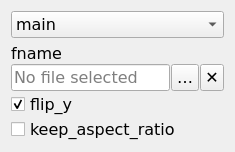
| flip_y | Bool | No description |
| fname | Filename | TODO |
| keep_aspect_ratio | Bool | No description |
Example
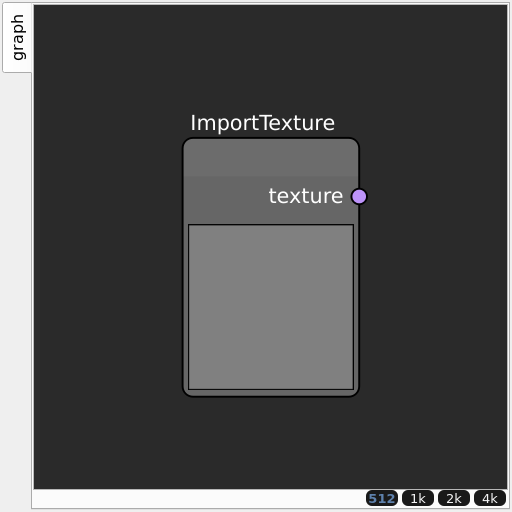
Corresponding Hesiod file: ImportTexture.hsd. Use [Ctrl+I] in the node editor to import a hsd file within your current project.
Note
Example files are kept up-to-date with the latest version of Hesiod. If you find an error, please open an issue.