Remap Node
The Remap operator is used to adjust the elevation values across the entire dataset, effectively changing the range of elevation data to match a desired output scale or to normalize the data.
Category
Filter/Range
Inputs
| Name | Type | Description |
|---|---|---|
| input | VirtualArray | Input heightmap. |
Outputs
| Name | Type | Description |
|---|---|---|
| output | VirtualArray | Remapped heightmap. |
Parameters
| Name | Type | Description |
|---|---|---|
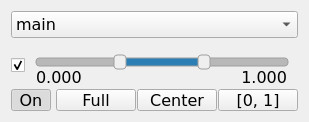
| remap | Value range | Target range: define the new minimum and maximum values to remap the elevation values to. |
Example
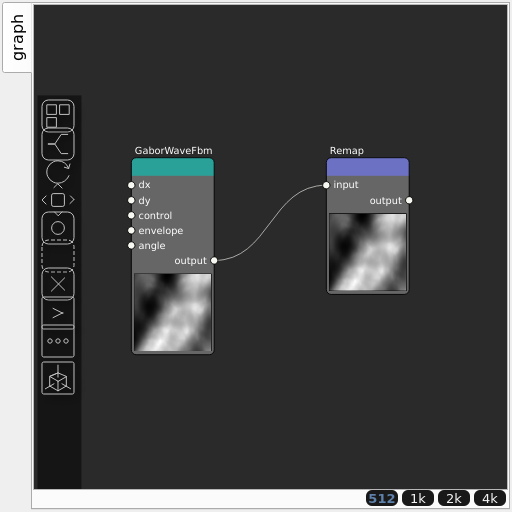
Corresponding Hesiod file: Remap.hsd. Use [Ctrl+I] in the node editor to import a hsd file within your current project.
Note
Example files are kept up-to-date with the latest version of Hesiod. If you find an error, please open an issue.